Administration
In the Administration section, there is only one link called Log entries.
Log entries
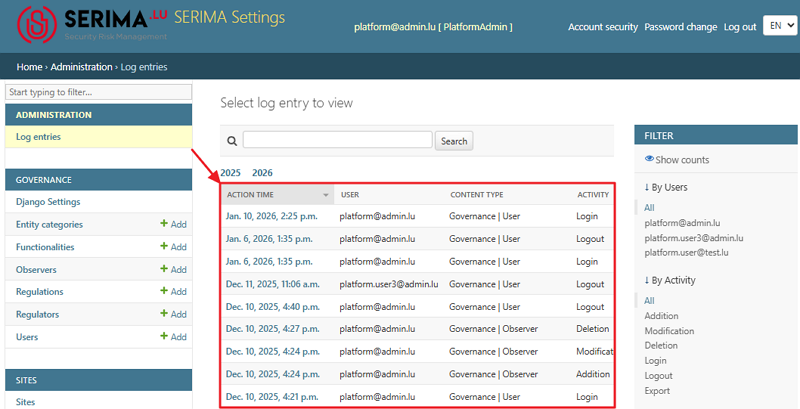
A log records any action performed by Regulator Admins or other Platform Admins. When you click the Log Entries link (or the View link), you are taken to the Select Log Entry to view screen. This screen displays a list of all log entries in the system.
The table includes four columns:
Action Time: when the action occurred
User: who performed the action
Content Type: which section or type of content was affected
Activity: the type of action that was taken
You can sort the columns in descending or ascending order. Also, you can use the search field at the top or use the Filter section on the right to narrow down the number of entries and find the log you are looking for.
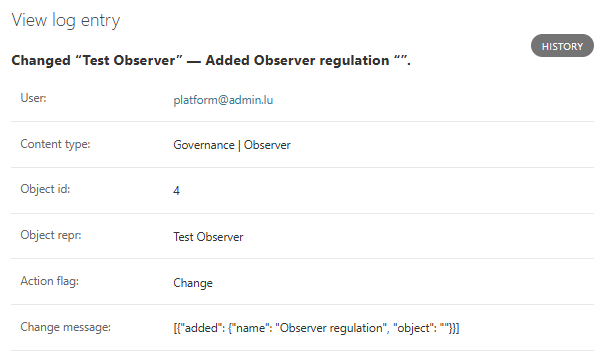
If you need further information about a log entry, click its link in the Action Time column. You will be directed to the View Log Entry screen, where you can find additional details about the selected log entry.