Parts of the homepage
On the homepage, you will find the following main functionalities (as numbered in the screenshot below):
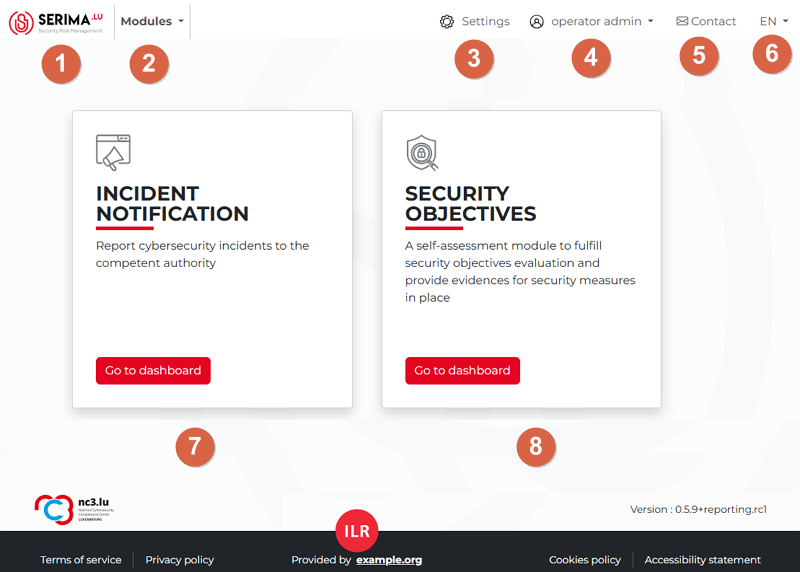
SERIMA Home button: Use this button in the top-left corner to come back to the homepage at any time.
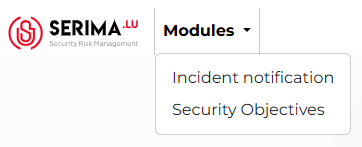
Module selector: By clicking it, a dropdown menu will appear showing the available modules (You can also see the available modules in the centre of the screen, shown as options 7 and 8).
Settings: This option takes you to the settings page. The content of the Settings page may vary depending on the type of user account you are logged in with. For an Operator Admin account, the Settings page appears as follows:
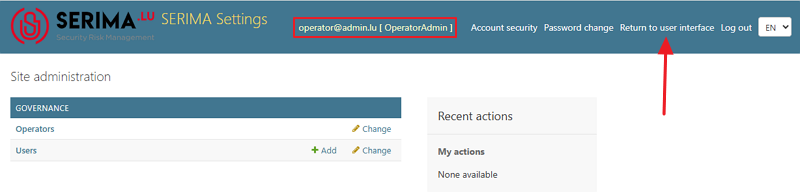
Use the Return to user interface link in the top-right corner to go back to the homepage from the Settings page.
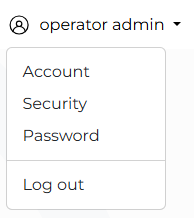
Account type: Use the downward-pointing arrow next to the user type to open the drop-down menu.
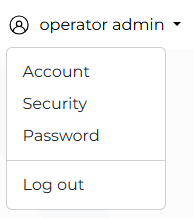
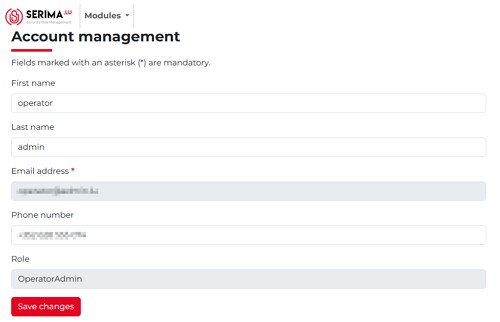
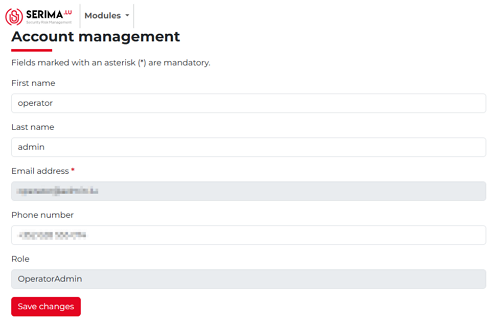
Account: By selecting the Account option, you can manage your account. You may change your first name, last name, and phone number. To proceed, you will need to log in again and provide a token to access the Account Management screen.
Security: The Security menu takes you to the Account Security screen, where you can generate backup tokens for account access and enable or disable (This is strongly not recommended) two-factor authentication.
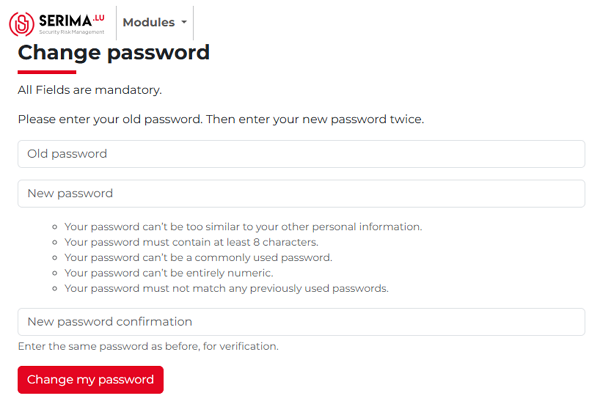
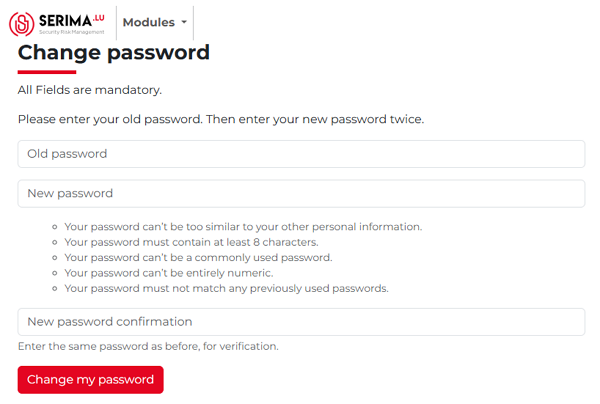
Password: If you select the Password menu, you will need to log in again and provide your token to access the Change Password screen. There, you can update your password. You must enter your current password and then type your new password twice (Please make sure to follow the password requirements).
Log out: Use this link to log out of the application. In case you are not active, the system will log you out for security reasons.
Contact: Click the envelope icon to open the Contact form. By using the form, you can send a message to IRL.
Language separator: In the top right-hand corner, you can switch between English (EN), French (FR), Dutch (NL), and German (DE) languages.
Incident notification: Use this module to report cybersecurity incidents to the competent authority.
Security objectives: A self-assessment module to fulfill security objectives evaluation and provide evidence for security measures in place.