Platform Administrator interface
log-in
On this page you can log in or create an account in case you have to notify an incident and you don’t have credentials.
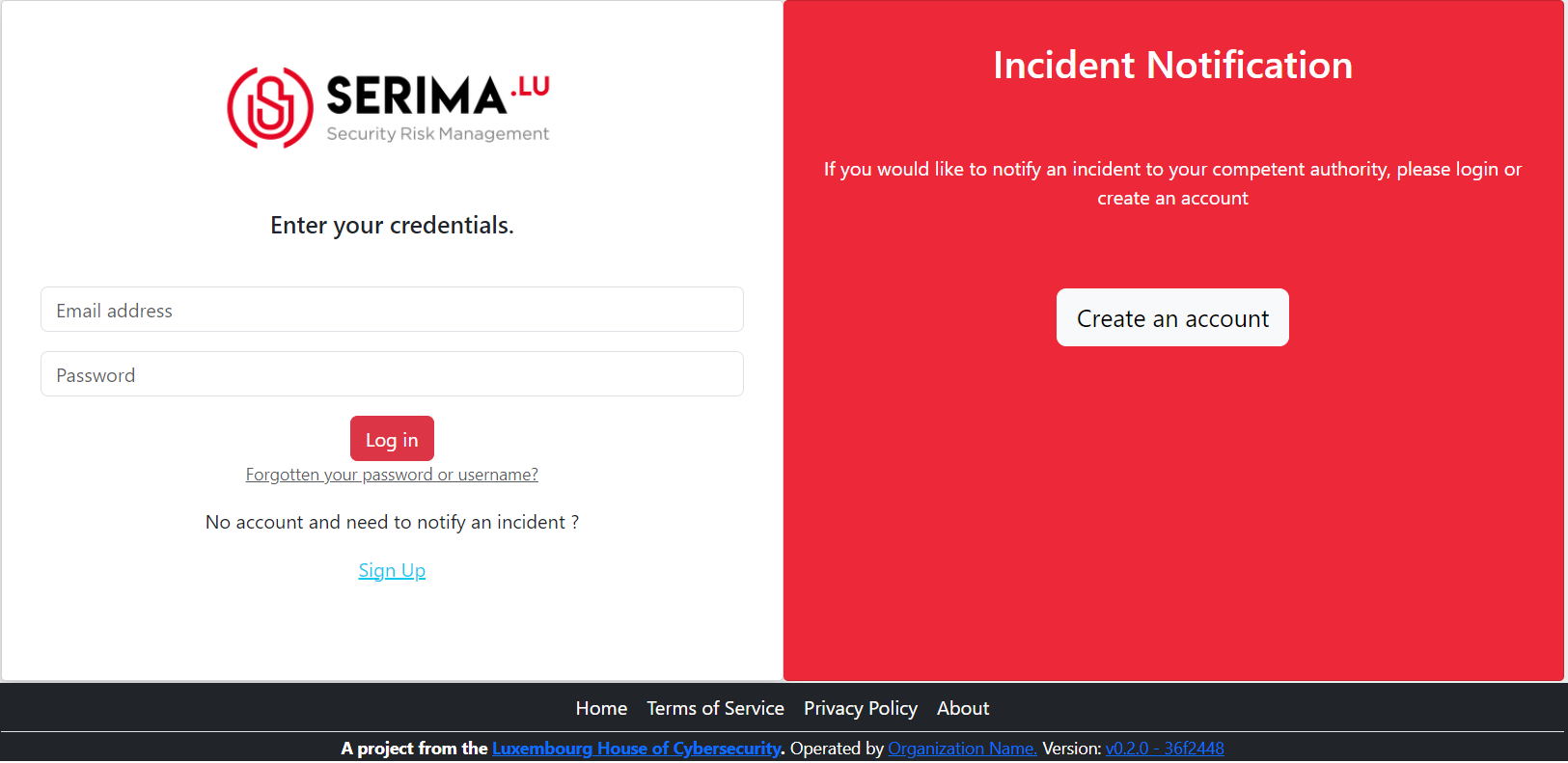
Fig. 7 Screenshot of the login page.
If you have credentials and don’t remember the password please use the link: ‘Forgotten your password or username?’
At the first login, you need to activate the 2FA.
Standard functionnality
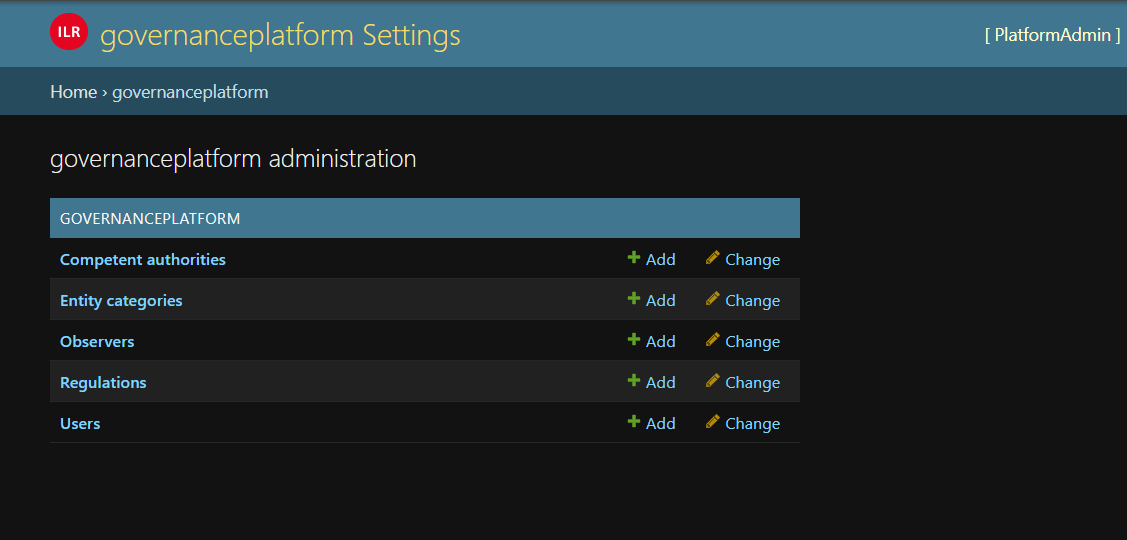
Fig. 8 Main page.
To see the standard function, have a look to the Administrator interface.
Definition of observers
To define the rules of incident reception for observer, you need firt to create Entity categories (e.g. Private, Public, Critical infrastructure, etc.).
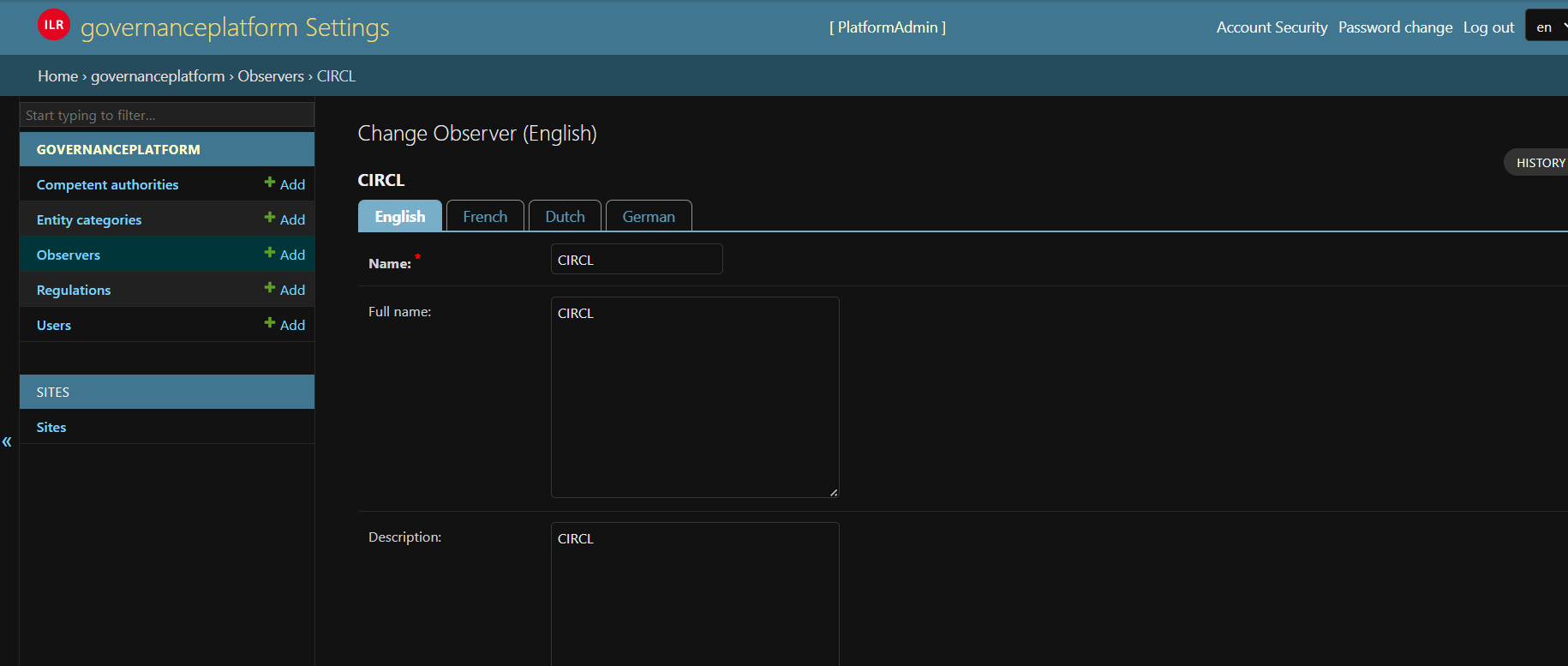
Fig. 9 Definition of an observer.
The checkbox
Receives all incidents, if it’s checked the observer will receive all incidents, no matter of the regulation. If you need specific rules you have to defineobserver regulations
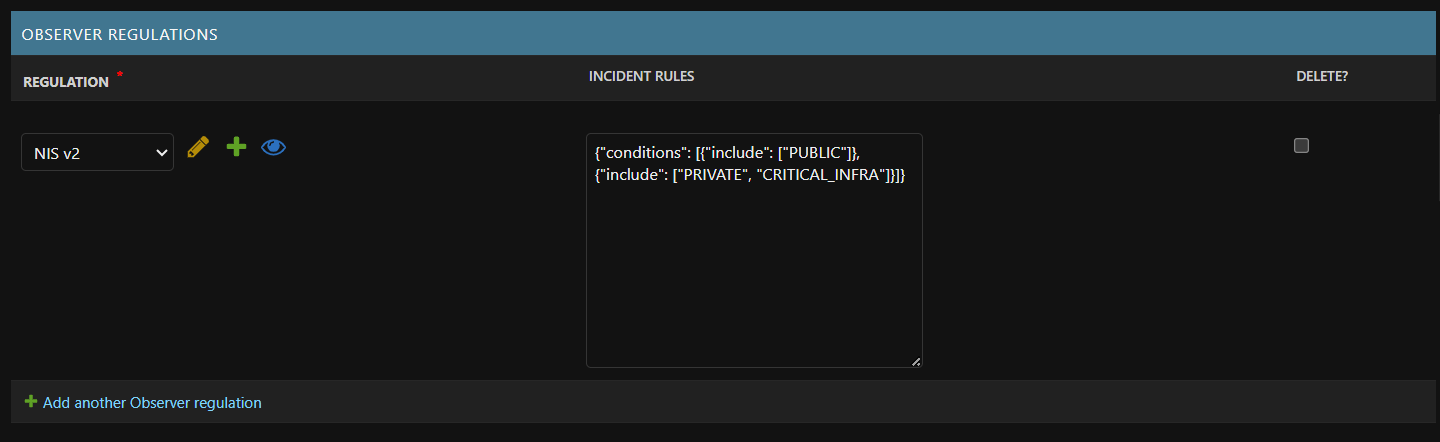
Fig. 10 Observer regulation.
For observer regulation you need to define:
The regulation concerned by the rules
The incident rules. The incident rules has to be defined as a JSON format following this structure:
{
    "conditions":[
        {
            "include":[
                "PUBLIC"
            ]
        },
        {
            "include":[
                "PRIVATE",
                "CRITICAL_INFRA"
            ]
        }
    ]
}
In the case above the regulation receive the incident which are PUBLIC OR the incidents which are PRIVATE and CRITICAL_INFRA (e.g. NIS2 AND (PUBLIC OR(PRIVATE AND NOT CRITICAL_INFRA))).
PRIVATE, CRITICAL_INFRA and PUBLIC are code from Entity Category.
If the observer should receive all incidents of a regulation the incident rules should be {}.
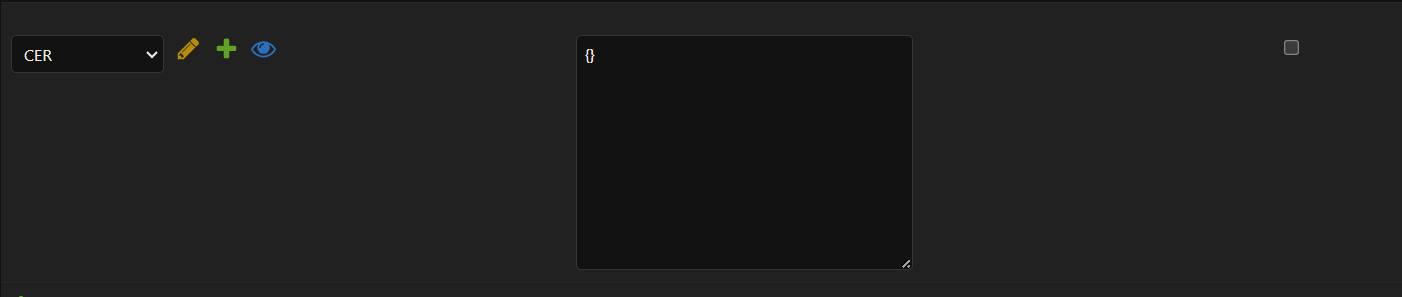
Fig. 11 Observer regulation.
If incidents should be excluded, the tag exclude can be used in the JSON
{
    "conditions":[
        {
            "include":[
                "PRIVATE"
            ],
            "exclude":[
                "CRITICAL_INFRA"
            ]
        }
    ]
}
In the case above if we link to the regulation NIS2 we receive the incident from PRIVATE only and PRIVATE which are not CRITICAL_INFRA (e.g. NIS2 AND PRIVATE AND NOT CRITICAL_INFRA).